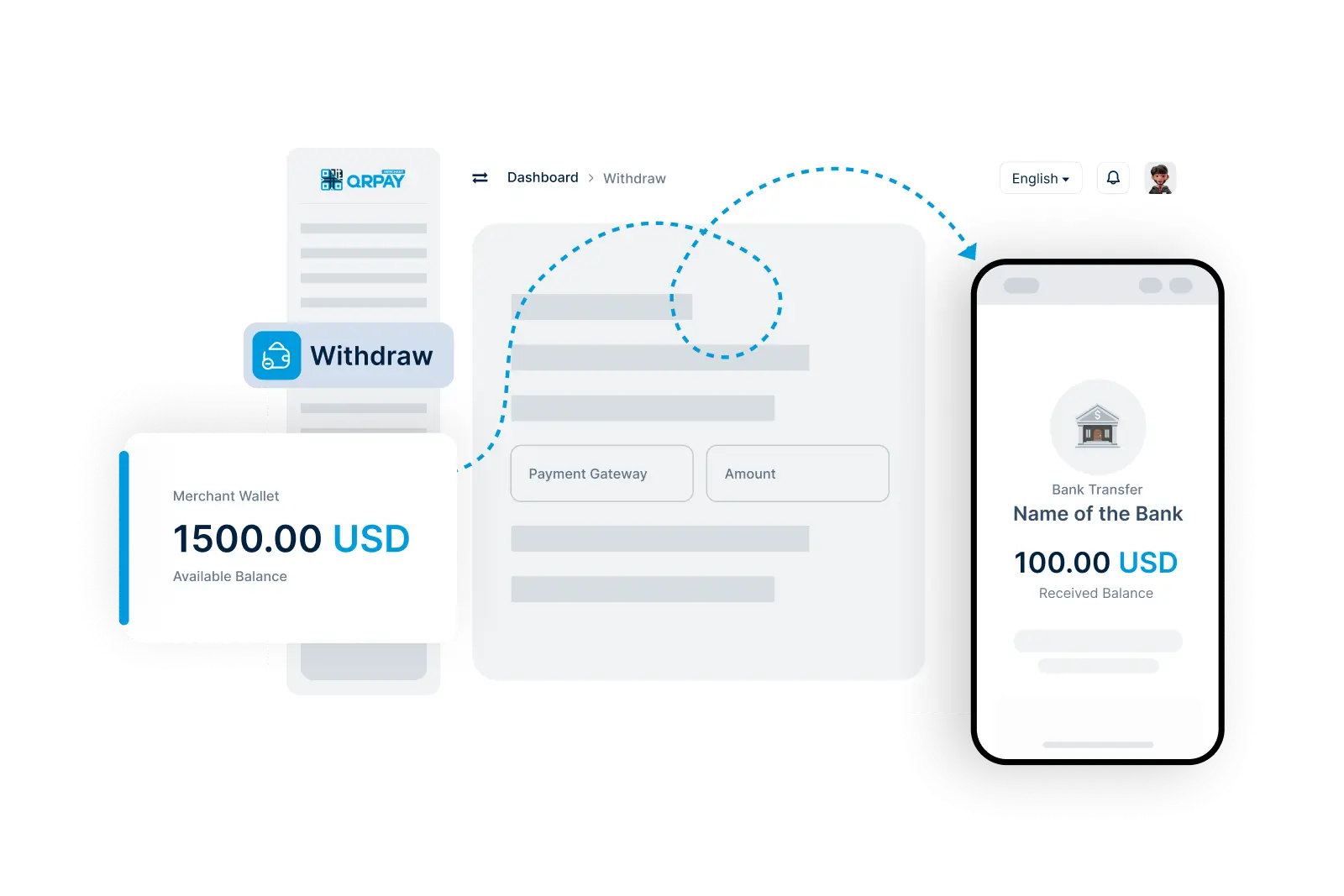
Learn more about how to securely and efficiently withdraw your funds from Crane Pesa.
Withdrawal times may vary depending on the method chosen. Bank transfers generally take 1-3 business days, while digital wallet transfers are often faster. You’ll receive a notification once the transfer is completed.
Crane Pesa may charge a small fee for withdrawals, depending on the transfer method and destination. You’ll be able to view any applicable fees before confirming the withdrawal.
Yes, Crane Pesa allows you to set up multiple withdrawal methods, such as different bank accounts or digital wallets. Select your preferred account each time you make a withdrawal.
Crane Pesa may impose daily or transaction-based withdrawal limits based on your account level and regional regulations. You can view your specific limits in your Crane Pesa dashboard under Withdrawal Settings.
Copyright © 2025 All Rights Reserved Crane Pesa